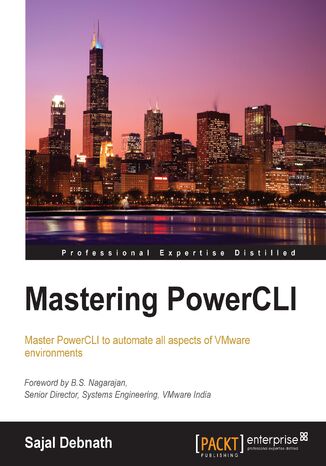
Have you ever wished that every morning you could automatically get a report with all the relevant information about your datacenter in exactly the same format you want? Or whether you could automate that boring, exhausting task?
It is built on top of the popular Windows PowerShell, with which you can automate server tasks and reduce manual input, allowing you to focus on more important tasks.This book will help you to achieve your goals by starting with a short refresher on PowerShell and PowerCLI and then covering the nuances of advanced functions and reusable scripts. Next you will learn how to build a vSphere-powered virtualized datacenter using PowerCLI while managing different aspects of the environment including automated installation, network, and storage.
Later, you will implement the best practices for a security implementation in vSphere Environment through PowerCLI before discovering how to manage other VMware environments such as SRM, vCloud Director and vCloud Air through PowerCLI. You will also learn to manage vSphere environments using advanced properties by accessing vSphere API and REST APIs through PowerCLI.
Finally, you will build a Windows GUI application using PowerShell followed by a couple of sample scripts for reporting and managing vSphere environments with detailed explanations of the scripts.